
GPCL 1.9.5: updates stop downloading themselves twice
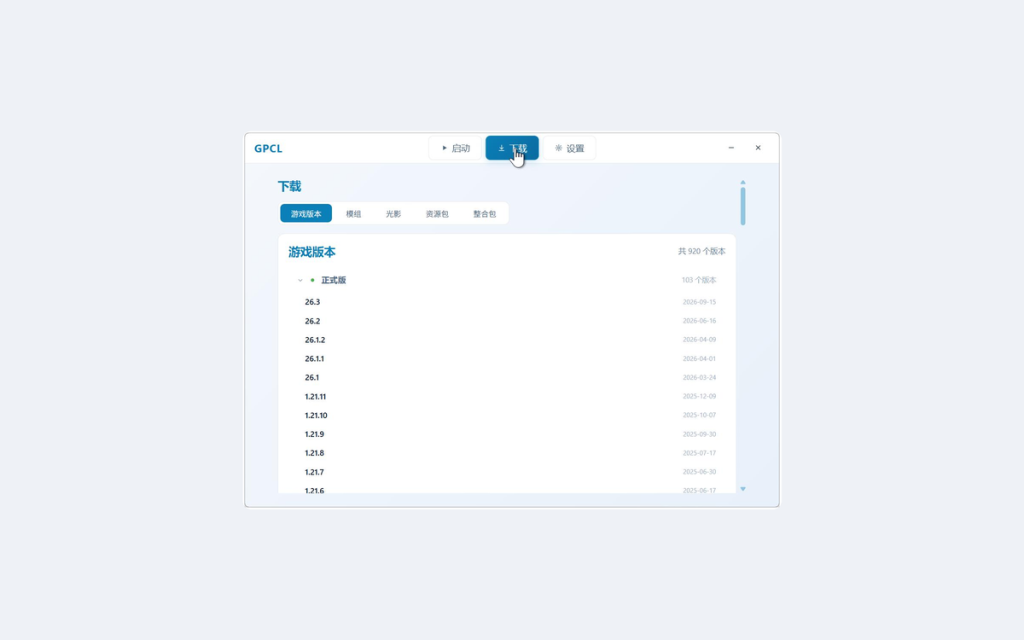
Releases 1.9.3 through 1.9.5 all touched downloads and launch: Java installs joined the shared queue, launch got a re-entry guard, and the updater now reuses an installer it has already downloaded.
Auto-update (1.9.5)
When an installer from a previous session was still running and holding the file, every launch downloaded the update again and still failed to install it. A downloaded, verified installer is now reused directly. Choosing “Later” on the unfinished-update prompt means no automatic download for the rest of that session. If another program has the file locked, the launcher now suggests restarting the computer instead of showing a raw error code.
Launch (1.9.4)
Clicking “Start game” repeatedly in the first seconds after opening the launcher used to start several game processes at once. Launch now disables the button as soon as the chain starts, and the launch tips no longer flash out of order. You can start once the local version scan finishes instead of waiting for the online list; the launch animation appears earlier, so there is feedback during sign-in checks and token renewal; Cancel works during the sign-in check; and the animation closes properly when sign-in has expired.
Java downloads (1.9.3)
Java installs share the same download queue as game versions and mods: progress, speed, queue position and cancel are all in the bottom download bar. Java runtimes go into runtime/ inside the game directory, so custom game directories work too. The Tsinghua mirror no longer fails every time — the launcher used to send a browser user agent and got rejected. Huawei Cloud no longer serves the files and is gone from the list; anyone who selected it falls back to Tsinghua. The Java mirror setting now actually applies. A failed re-download no longer deletes a version that was already installed.
Downloads are at dl.caellab.com; the full changelog is at gamets.caellab.com/gpcl/history/.